May 26, 2026 · 6 min read
How to Remove the "Made with AI" Label on Instagram (2026)
Instagram flagged your real photo as AI? It's the hidden C2PA metadata. Here's why it happens after any AI-assisted edit — and how to remove it in your browser.
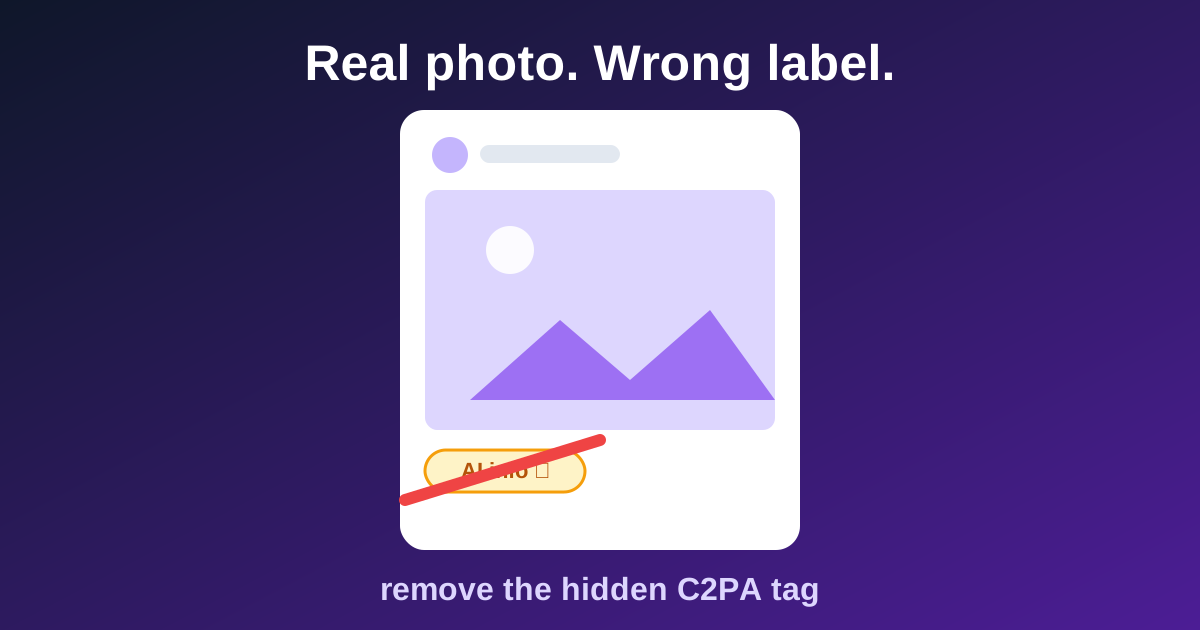
You photographed it yourself. Maybe you removed a stray hair with Photoshop's Generative Fill, or ran AI denoise on a high-ISO shot. You upload it — and Instagram slaps an "AI info" label on your real photograph. Your client sees it. Your followers see it. And there's no button anywhere to appeal it. Here's exactly why this happens and how to stop it.
Why Instagram thinks your real photo is AI
Modern editing tools embed an invisible certificate into your files called C2PA Content Credentials. The problem: the system can't tell the difference between "this image was 100% generated by AI" and "this is a real photograph where the photographer removed a power line with an AI tool". One Generative Fill stroke, one AI denoise pass, one background cleanup — and your file carries the same tag as a fully synthetic image. Instagram reads the tag and labels your post.
- Photoshop: Generative Fill, Remove Tool with AI, Neural Filters — all write Content Credentials.
- Lightroom: AI Denoise and some masking features can trigger it too.
- Canva, Firefly, and most AI-touched export pipelines embed similar markers.
- Phone editors increasingly do this silently — you may not even know your file is tagged.
Why it matters for your work
When the labels launched, photographers who had only done routine retouching found real work branded as AI — the backlash was loud enough that Meta softened the wording from "Made with AI" to "AI info". The label is still there in 2026, and audiences still read it as "this isn't real". For wedding and commercial photographers, that's a credibility problem on images clients paid real money for.
The fix: strip the metadata before uploading
- Step 1 — Drop your image into Skrubly's Metadata Cleaner. It detects C2PA / Content Credentials tags and shows you exactly what's embedded.
- Step 2 — Click Clean. The certificate, along with EXIF and GPS data, is removed. Your pixels stay identical.
- Step 3 — Upload the clean file. No tag for Instagram to read, no label on your post.
Check your own photos — drop one in and see what's embedded.
Open the Metadata CleanerUnlike other tools, your photos stay on your device
Most "metadata remover" websites upload your image to their server, process it there, and send it back. For client work and personal photos, that's a real privacy trade-off. Skrubly runs entirely in your browser — you can even go offline after the page loads and it still works. Nothing is ever uploaded.
A note on honesty
If an image is genuinely AI-generated, platform rules (and increasingly, law in some regions) may require you to disclose it — removing the tag doesn't remove that responsibility. This guide is for the far more common case: real photographs incorrectly branded because of routine AI-assisted edits. That mislabel is the platform's failure, and you're entitled to fix it.