May 24, 2026 · 6 min read
How to Download TikTok Videos Without a Watermark (2026 Guide)
Save any TikTok in full HD without the watermark — free, no app install, no sign-up. Step-by-step guide plus what to know about quality and copyright.
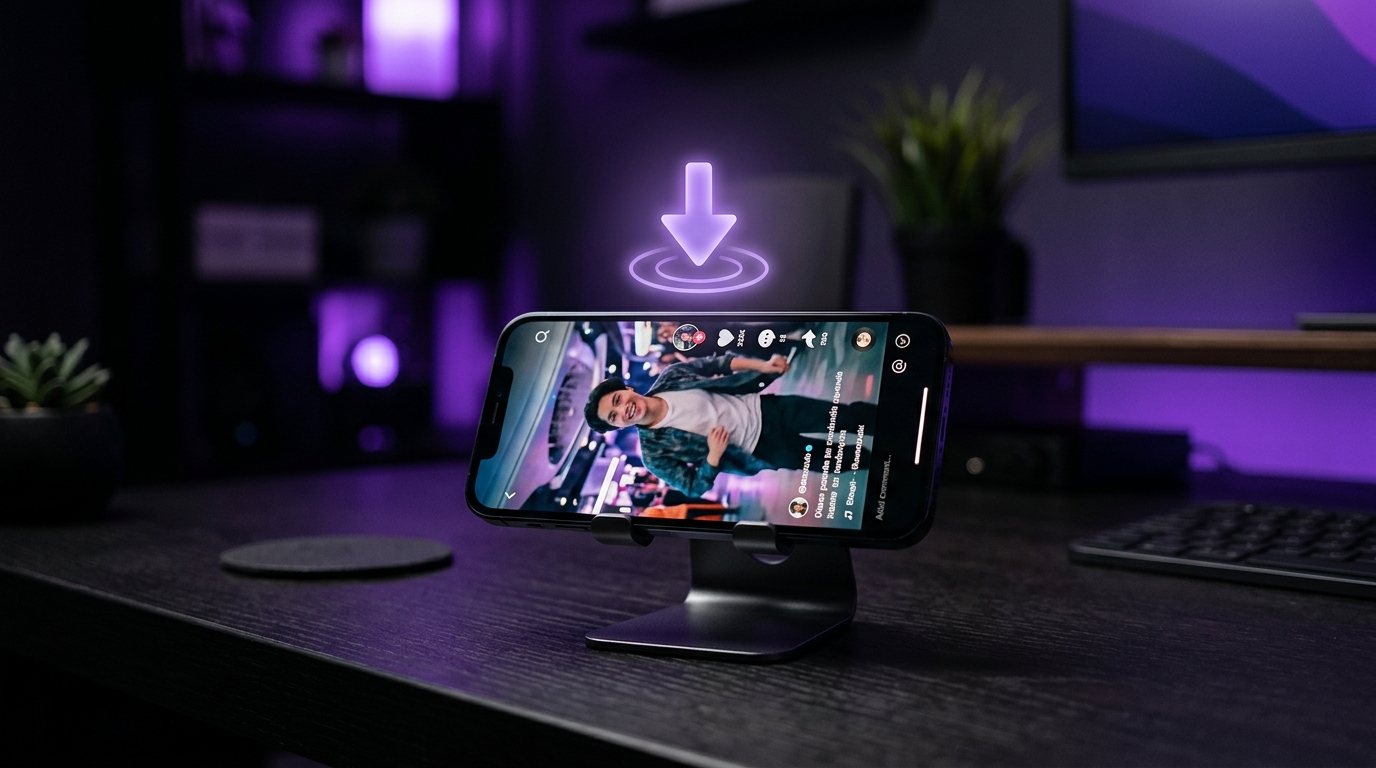
TikTok makes it easy to save videos — but every download comes stamped with a bouncing watermark and username overlay. If you're a creator repurposing your own content for Instagram Reels or YouTube Shorts, that watermark actively hurts you: platforms detect it and quietly reduce your reach. Here's how to save clean, full-quality TikToks in seconds, directly from your browser.
Why remove the TikTok watermark?
- Cross-posting: Instagram and YouTube deprioritize videos with visible TikTok branding — reposting a watermarked clip can cut your reach dramatically.
- Professional editing: clean source footage is essential if you're cutting clips into montages, ads, or client work.
- Archiving your own content: TikTok compresses and brands your videos; keeping clean masters protects your work if your account is ever lost.
How to download a TikTok without the watermark
- Step 1 — Copy the link: in the TikTok app, tap Share → Copy Link on any video.
- Step 2 — Paste it into Skrubly's TikTok Downloader: no app install, no account needed for your first downloads.
- Step 3 — Download: you'll get the video in the highest quality available (HD, and 4K when the source has it), with no watermark. You can also extract just the audio as MP3.
Try it right now — paste any TikTok link and get the clean video in seconds.
Open the TikTok Downloader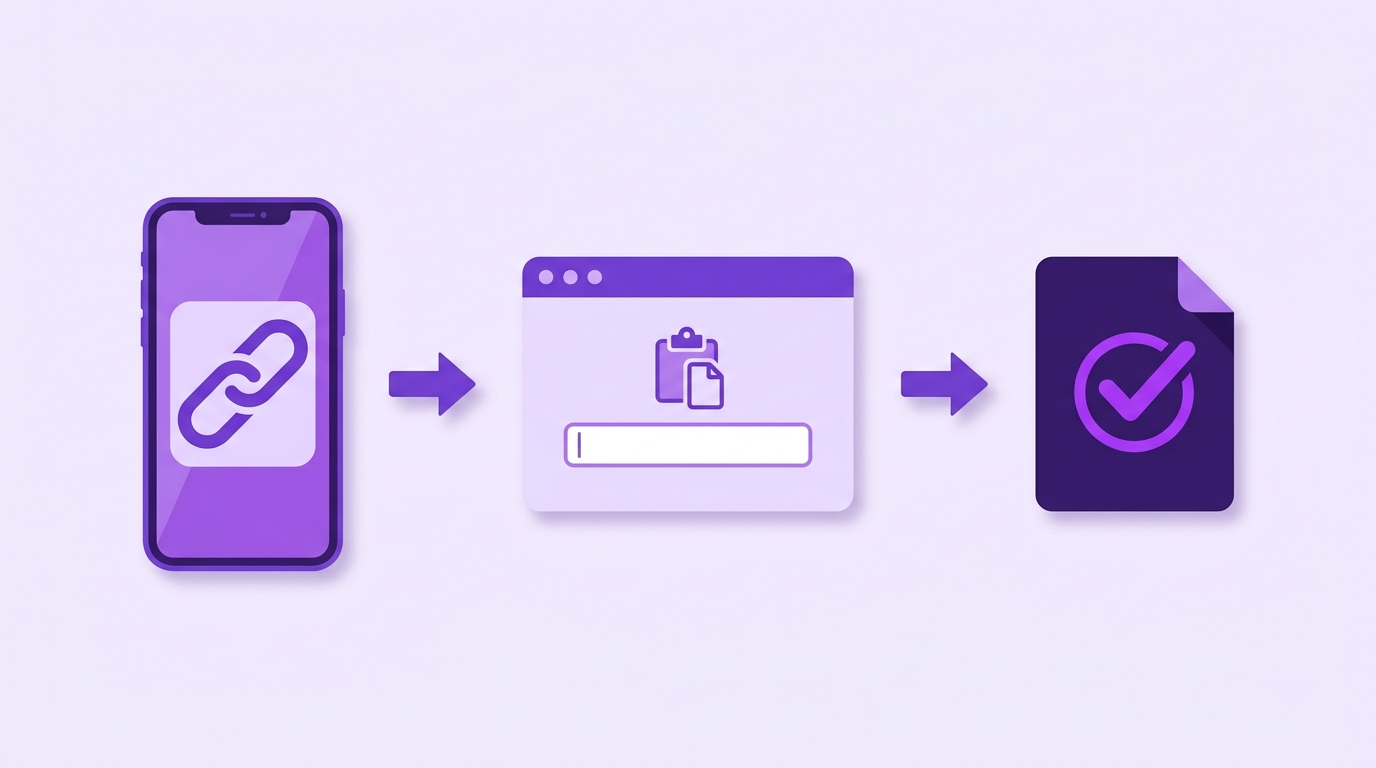
Does downloading reduce video quality?
Not if you use the right method. TikTok stores a clean, high-bitrate version of every video on its servers — the watermark is added as an overlay for the in-app download. A good downloader retrieves the original stream, so what you get is often *better* quality than TikTok's own "Save video" button, which re-encodes the file.
Is it legal to download TikTok videos?
Downloading your own videos is always fine — they're yours. For other creators' content, the rules depend on what you do with it: saving a video for personal, private use is generally tolerated in most countries, but republishing someone else's work without permission can infringe their copyright and TikTok's terms. The golden rule: if you plan to repost or monetize, get the creator's permission first. A tool downloads the file; the responsibility for how it's used is always yours.
One more step before you repost: clean the metadata
Video files carry hidden metadata — encoder tags, timestamps, sometimes even location data. If you're reposting across platforms, run your file through a metadata cleaner first so you're not leaking information you didn't intend to share. Skrubly's cleaner does this entirely in your browser: the file never leaves your device.
Downloaded your video? Strip the hidden metadata before reposting.
Open the Metadata Cleaner